Batch Audio Conversion Pipeline
A Windows batch pipeline that converts a large FLAC library to MP3 with ffmpeg, redesigned around a staging folder to run reliably under hard disk-space limits.
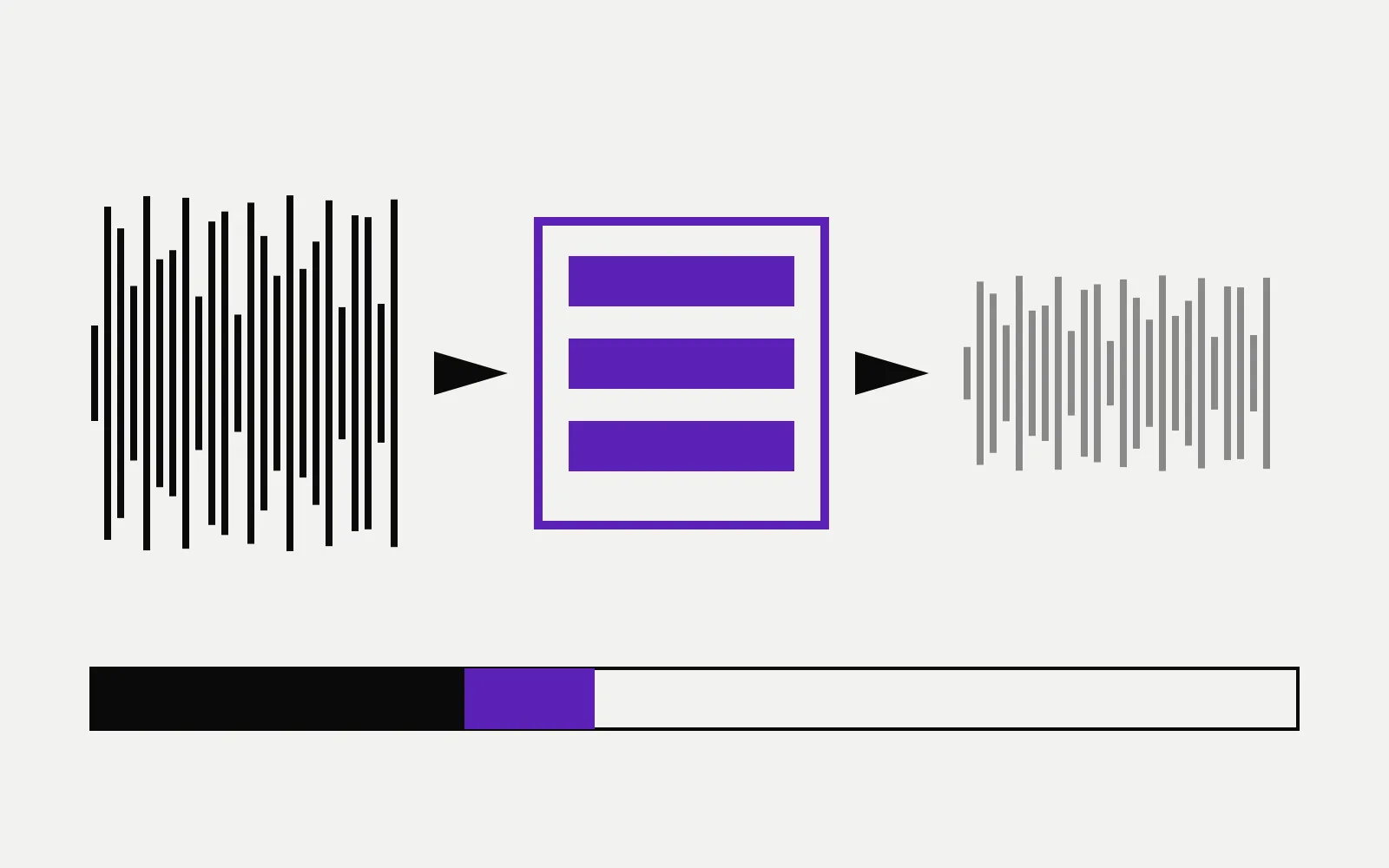
A batch script for converting a large FLAC music library to MP3 on Windows,
built on ffmpeg. Straightforward on paper — until the library is bigger than
the free space you have to work in.
The actual problem
The naive approach converts everything, then cleans up. That requires headroom for the entire source library and the entire output at the same time. On a drive that was already most of the way full, the job died partway through and left the library in a half-converted state that was worse than not starting.
The fix
Restructuring around a staging folder solved it. Rather than treating conversion as one bulk operation, the pipeline processes in bounded batches: stage a chunk, convert it, verify the output, reclaim the source space, then advance. Peak disk usage becomes a function of the batch size instead of the library size — which means the same script runs on a drive with a few gigabytes free or a few hundred.
What I took from it
The interesting constraint wasn’t the audio encoding, which ffmpeg handles in
a single line. It was that a batch job operating on real data has to be safe to
interrupt. Ordering operations so that a failure at any point leaves the
library in a recoverable state mattered far more than conversion speed.